
Introduction
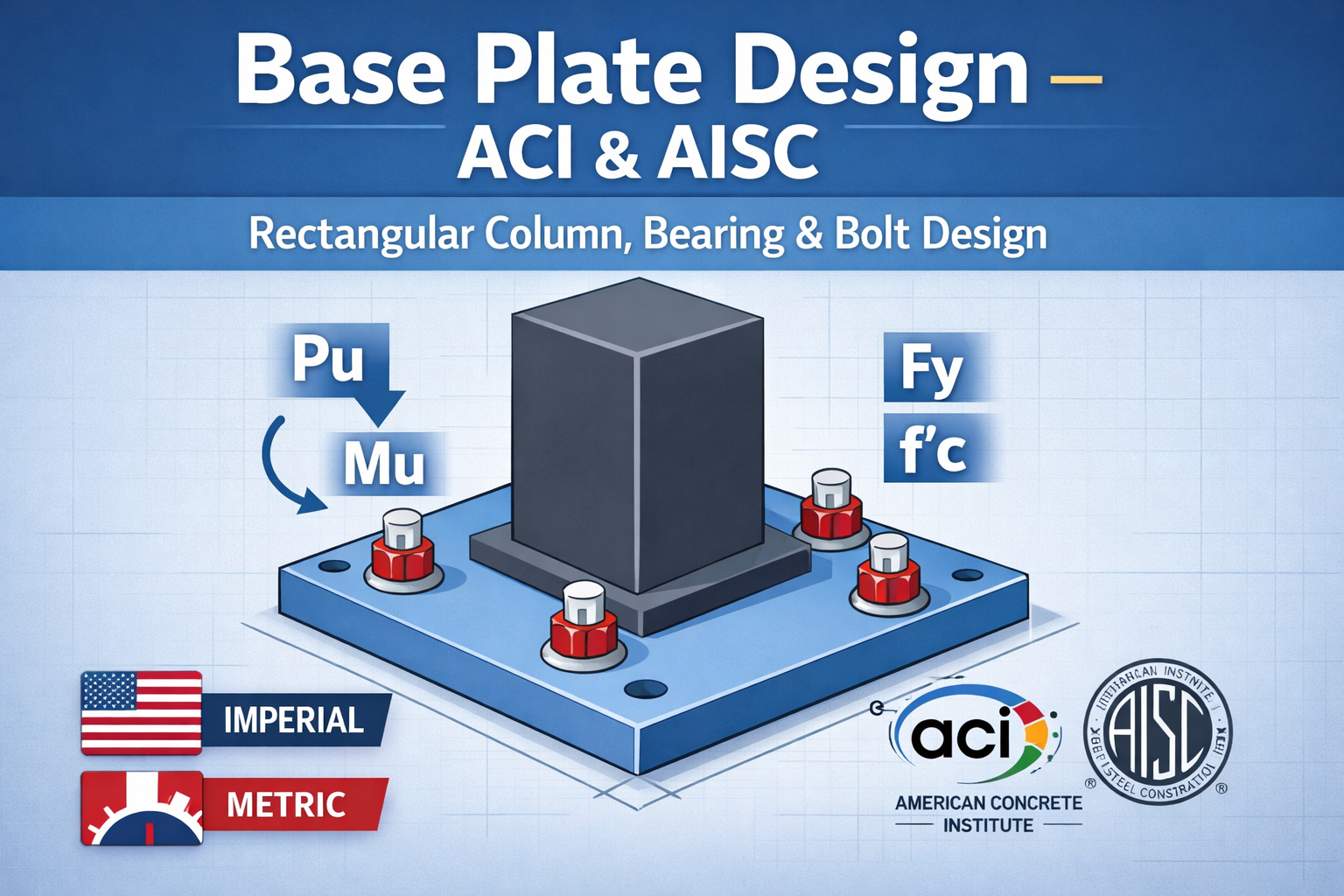
Designing a steel column base plate is a critical step in structural engineering, ensuring that loads from the column are safely transferred to the concrete foundation. Engineers need to calculate the plate thickness, bearing pressure, and anchor bolt tension to meet design standards.
Our interactive Base Plate Design Calculator allows you to perform this design in both Imperial (kips/in) and Metric (kN/mm) units. You can also choose anchor bolt placement inside or outside the column, with visual diagrams and automatic detailed calculation steps referencing ACI 318-19 and the AISC Steel Manual.
Features
- Imperial and Metric input support
- Supports rectangular steel columns
- Anchor bolts can be placed inside or outside the column rectangle
- Real-time visual diagram updates for bolt positions
- Detailed step-by-step calculation with code references
- Suggested plate size and thickness
- Professional, user-friendly interface for engineers
⚠️ Engineering Disclaimer
This calculator is for preliminary design and educational use only. Final design must be verified by a qualified structural engineer as per
ACI and relevant codes.
Base Plate Design Calculator – ACI & AISC
Preliminary design calculator for steel column base plates. Supports Imperial and Metric units.
Input Parameters
Detailed Calculations
Base Plate Plan (Indicative)
⚠ Preliminary design only. Final design shall comply with AISC 360-22 and ACI 318-19.
Step-by-Step Calculation Details
Step 1: Bearing Pressure
The average bearing pressure under the plate is calculated as:q=ApPu
Where:
- Pu = axial load (kips or kN)
- Ap=L×B = area of the base plate
The allowable bearing stress is based on the concrete strength:qallow=0.85fc′
Reference: ACI 318-19 Section 13.3
Step 2: Moment Effect
When there is bending moment on the column, the maximum bearing pressure is increased:Z=6L⋅B2,qmax=q+ZMu
Where:
- Mu = applied bending moment (kip-ft or kN·m)
- Z = section modulus of the plate
Reference: AISC Steel Manual, Flexure
Step 3: Plate Thickness
The required plate thickness is determined to resist the moment:t=Fy6⋅M
Where:
- M = moment effect on the plate
- Fy = steel yield strength (ksi or MPa)
The calculator also recommends an adopted plate thickness based on standard sizes.
Step 4: Anchor Bolt Tension
The tension in each bolt is computed considering lever arm:Tb=n⋅yMu
Where:
- n = number of bolts
- y = lever arm (distance from plate centroid to bolt)
Reference: ACI 318-19 Section 13.3.3.1
Step 5: Suggested Plate Size
If the maximum bearing pressure exceeds allowable, the calculator suggests a new plate size:Arequired=qallowPu,Lsuggested≈Arequired
Using the Calculator
- Select Units: Choose Imperial (kips/in) or Metric (kN/mm).
- Enter Column Loads: Input axial load Pu and moment Mu.
- Material Properties: Enter concrete strength f’c and steel Fy.
- Plate Geometry: Input plate dimensions and projection (overhang) ‘a’.
- Bolt Parameters: Enter the number of bolts, lever arm, and select bolt position (inside/outside column).
- View Results: The calculator shows required and adopted plate thickness, bolt tension, bearing pressures, and suggested plate size.
- Diagram: Visualizes the base plate layout and bolt placement dynamically.
Why This Tool is Useful
- Ensures safe structural design according to ACI & AISC standards
- Reduces manual calculation errors
- Supports both metric and imperial engineers
- Provides step-by-step calculation details, making it ideal for learning and professional verification
Conclusion
Our Base Plate Design Calculator is a comprehensive tool for engineers designing steel column supports. With both Imperial and Metric inputs, anchor bolt positioning options, and visual representation, it simplifies the design process while ensuring adherence to ACI and AISC codes.
Start designing safe and reliable base plates with precision and confidence today!
- Australian Wind Load Calculator as per AS/NZS 1170.2:2021
 Australian Wind Load Calculator | AS/NZS 1170.2:2021 Australian Wind Load… Read more: Australian Wind Load Calculator as per AS/NZS 1170.2:2021
 - Wind Load Calculator as per IS 875 Part 3:2015
 Industrial Shed Wind Load Calculator | IS 875 Part 3:2015… Read more: Wind Load Calculator as per IS 875 Part 3:2015
 - How to Assign LY and LZ in STAAD for Steel Structures (With and Without Bracing)
 🔹 What is LY and LZ? In STAAD.Pro: These define… Read more: How to Assign LY and LZ in STAAD for Steel Structures (With and Without Bracing)
 - Expansion, Contraction and Construction Joints in Concrete for Civil Works
 1. Introduction Concrete is one of the most widely used… Read more: Expansion, Contraction and Construction Joints in Concrete for Civil Works
 - Cable Rack Structural Steel Detail and Design
 Introduction Cable racks (also called cable trays or cable support… Read more: Cable Rack Structural Steel Detail and Design
 - Repair Principles for Corrosion Damaged Reinforced Concrete Structures
 Reinforced concrete is one of the most widely used construction… Read more: Repair Principles for Corrosion Damaged Reinforced Concrete Structures
 - Civil Engineering Guide to Concrete Repair and Strengthening
 Concrete is one of the most widely used construction materials… Read more: Civil Engineering Guide to Concrete Repair and Strengthening
 - Australian Code Load Combinations
 (For Steel Structures & RCC Buildings) 1. Relevant Australian Standards… Read more: Australian Code Load Combinations
 - Eurocode Base Plate Calculator – EN 1993-1-8
 Introduction Base plates are critical components in steel structures, transferring… Read more: Eurocode Base Plate Calculator – EN 1993-1-8
 - Base Plate Design Calculation AS 4100
 Introduction In structural steel design, the base plate is a… Read more: Base Plate Design Calculation AS 4100